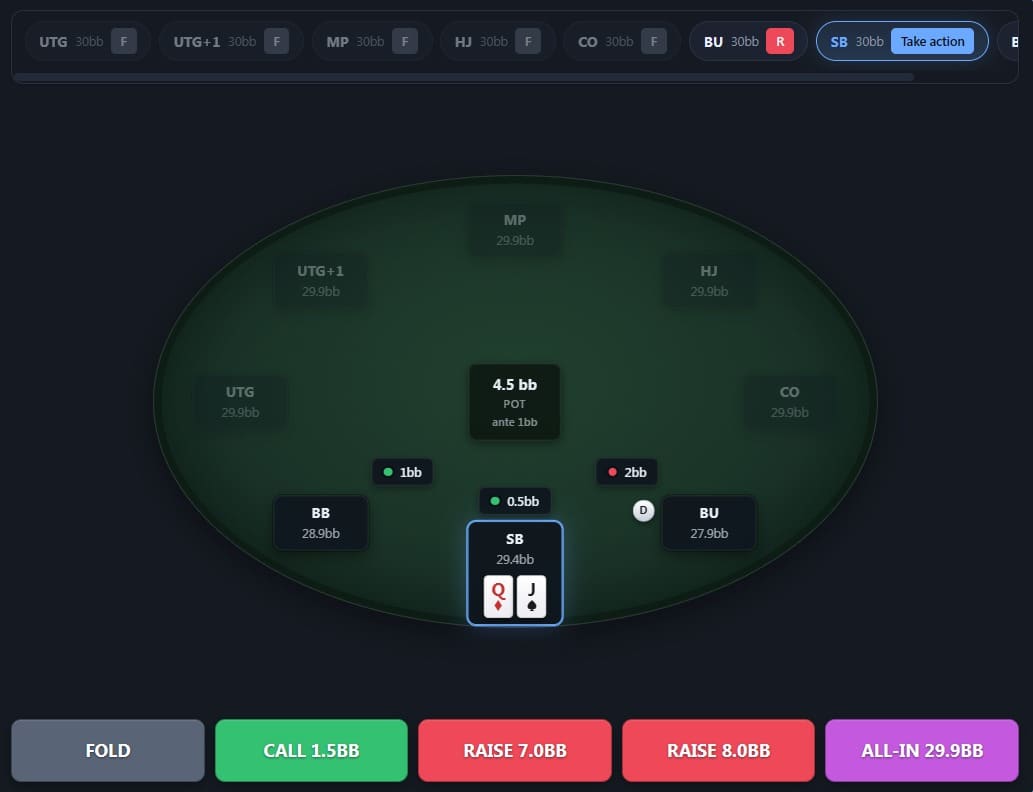
Import the .zip exported by HRC and explore every node of the tree in your browser. View ranges, train preflop decisions and review drills — on desktop, on mobile, all synced.
No install, no server of your own. Export from HRC, drop the file into MySpot, and start studying.
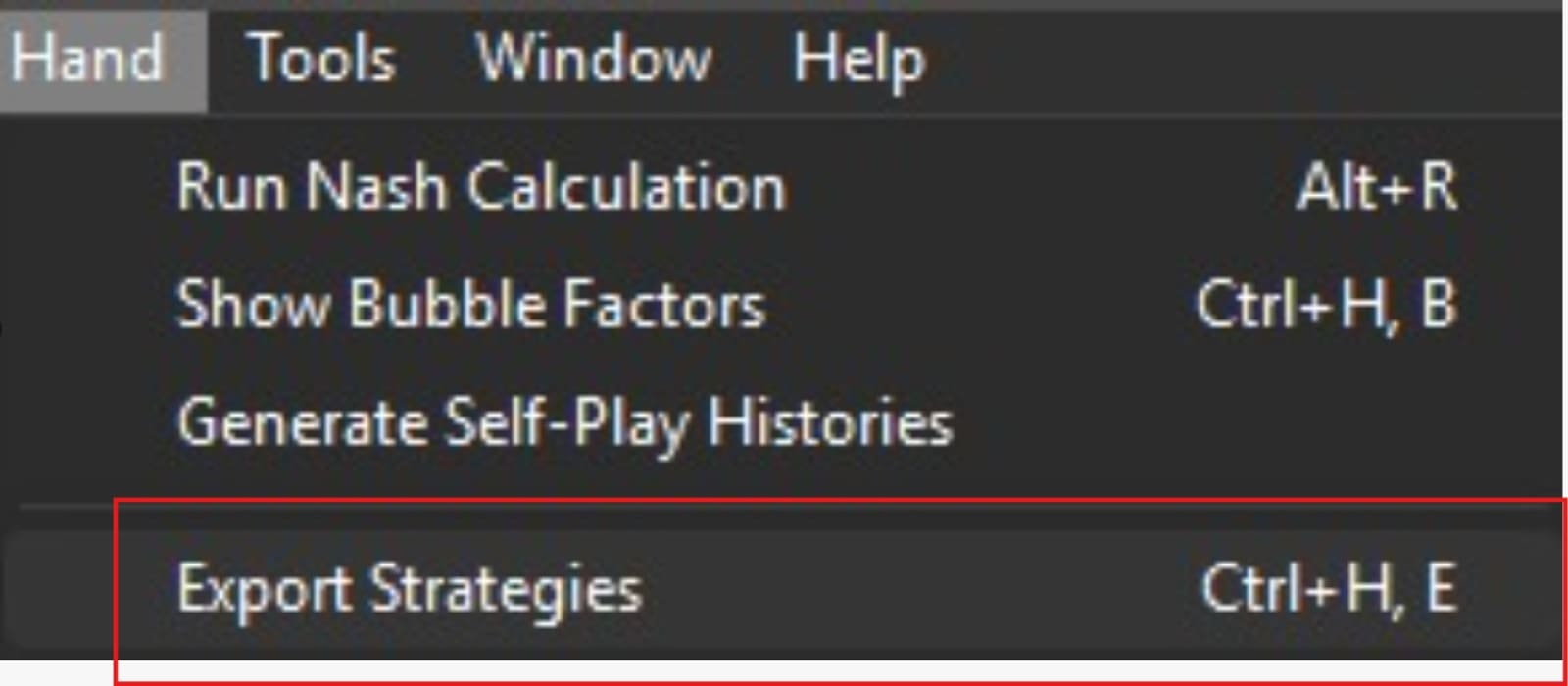
In HRC, go to Hand → Export Strategies. Save the .zip wherever you want.
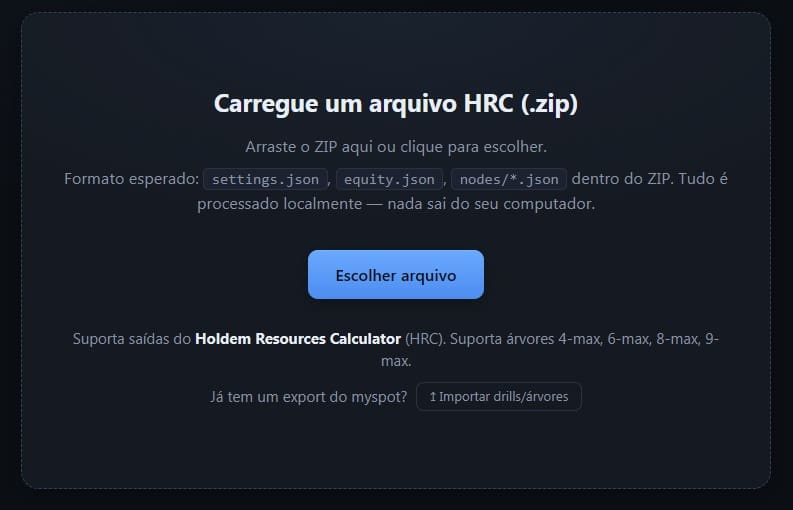
Drop the .zip on the home screen. In seconds the whole tree is ready to navigate.
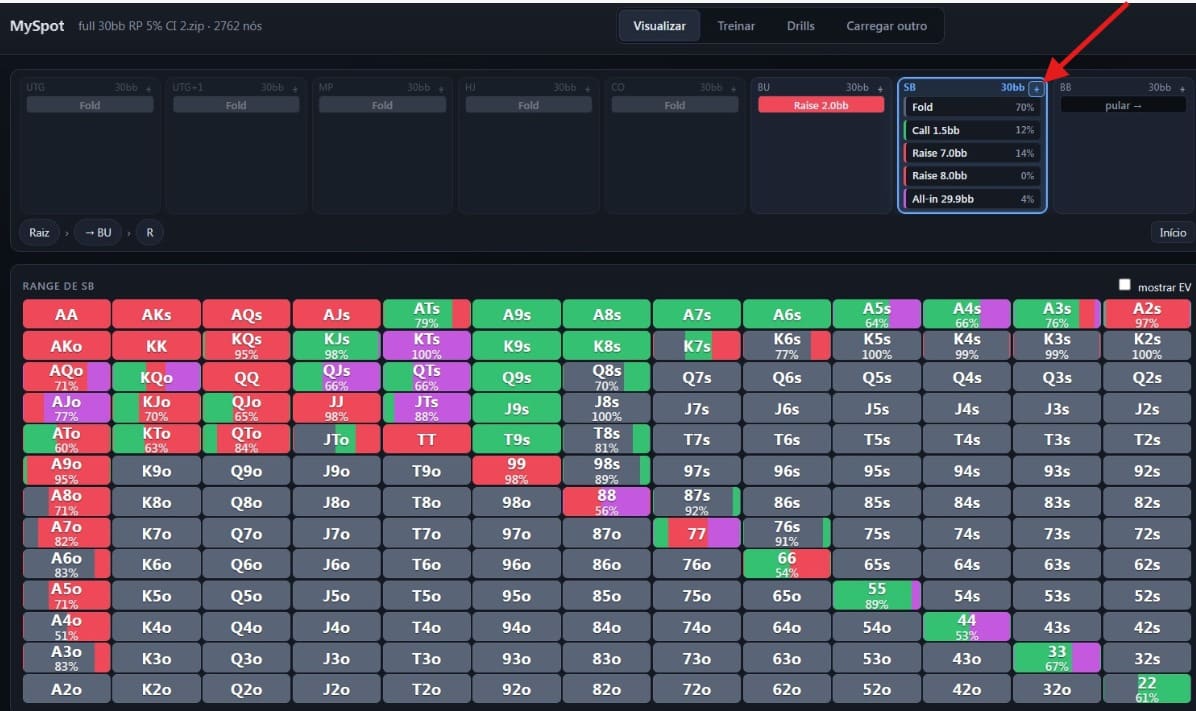
In any node, click the + at the top right of the active position — right next to the stack — to save it as a drill.
The tools that were missing to turn HRC files into a real study workflow.
13×13 color matrix with frequencies, EV and splits. Identical to what you're used to.
Walk the tree with breadcrumbs and shortcuts. Go back, branch out, compare lines.
Play through real spots against GTO. Get instant feedback on every decision.
Save any spot as a drill and build a custom training set focused on your leaks.
Train the hands you struggle with most through a heatmap of your biggest mistakes.
Trade drills with friends or the community. Import packs and study what others are working on.
A peek at the features we're working on right now.
Train flop, turn and river decisions with full board runouts.
Bring ranges and trees from GTO+, PioSolver, Wizard and more — not just HRC.
Paint your own ranges from scratch or tweak existing ones. Save, share, replay.
Free while in beta. No credit card. Sign in in 30 seconds with a magic link or Google.
Enter MySpot Join the Discord — vote on what we build next